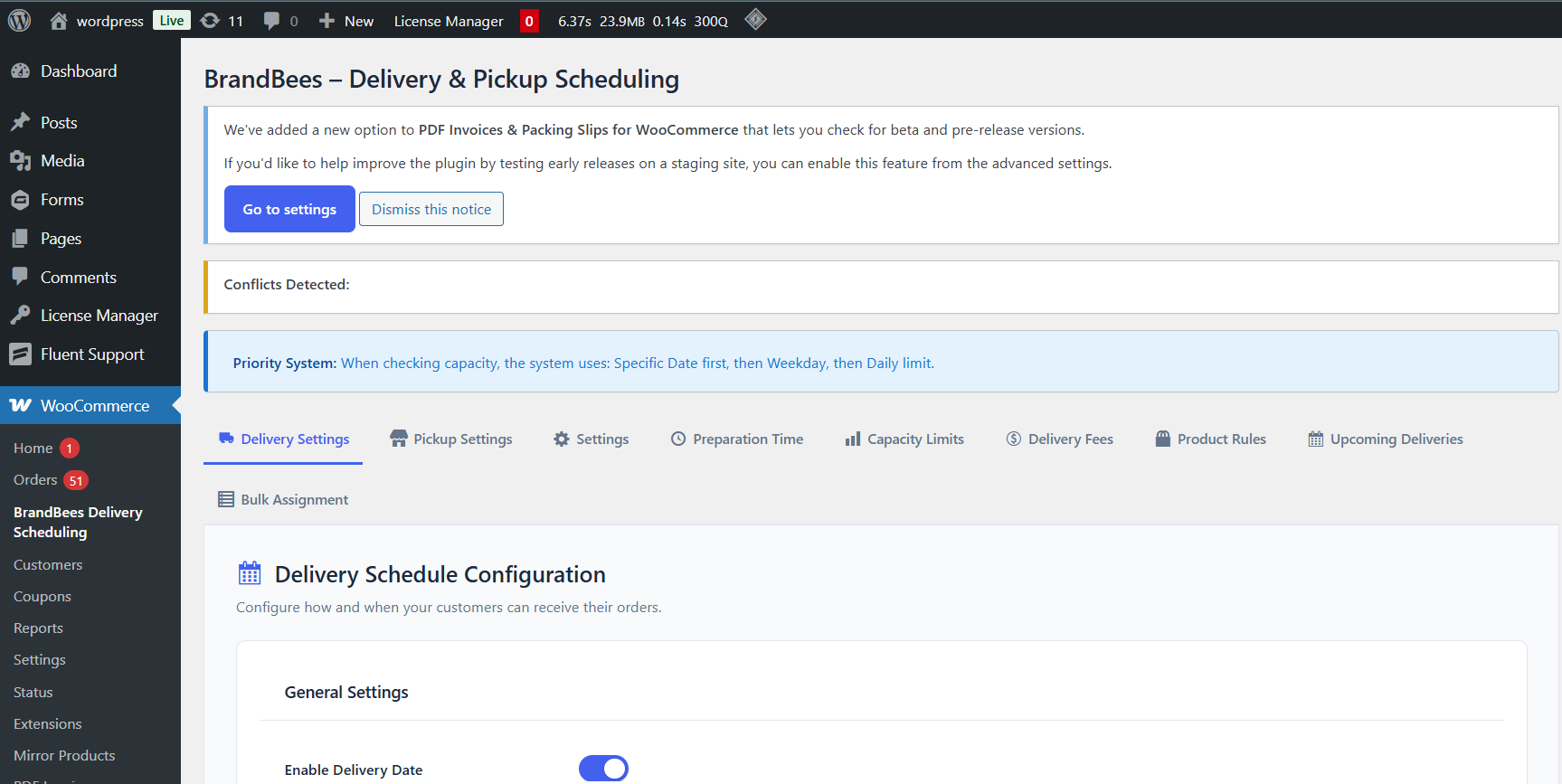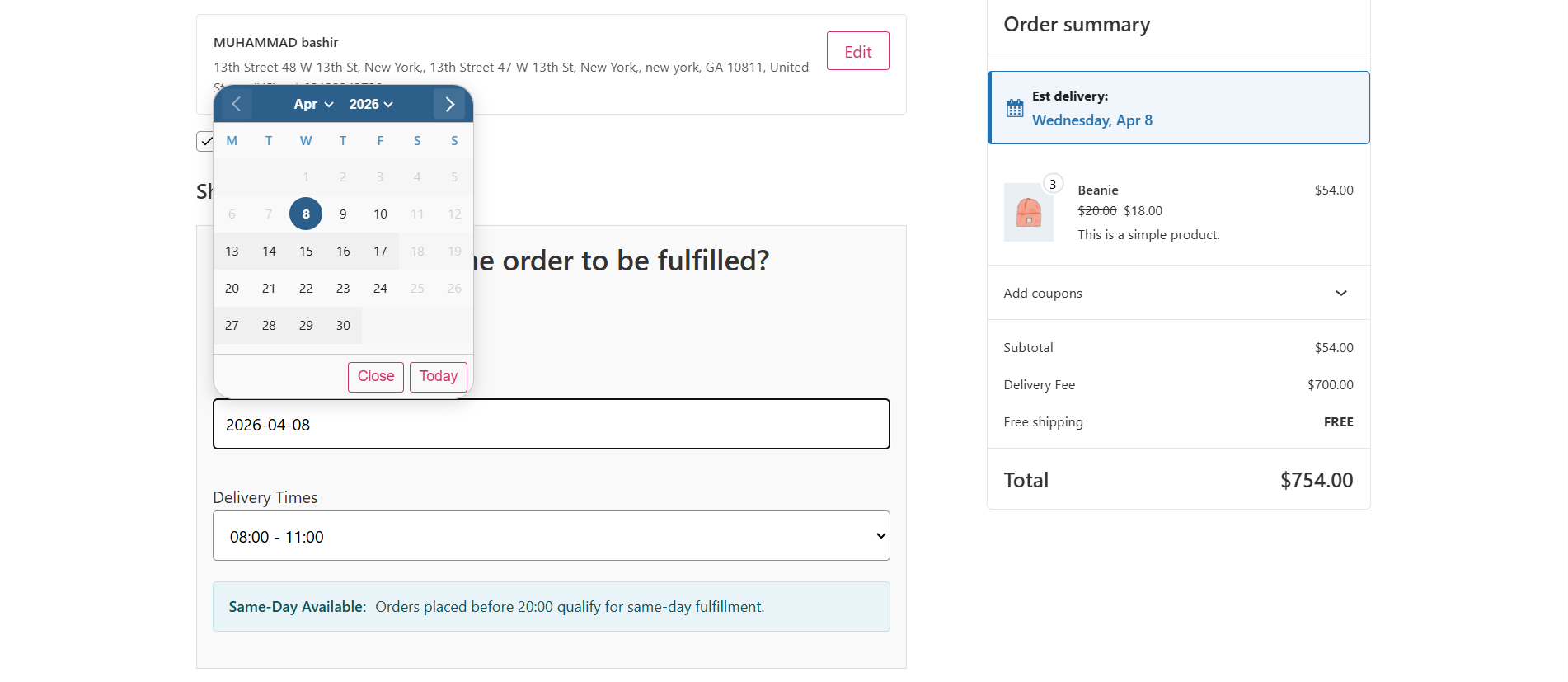
Delivery slot controls per product / zone Holiday and blackout handling Checkout validation + clear errors
Lead time, cutoff, and max orders per slot Ops-friendly admin rules and overrides Localization ready (strings + formats)
Lead times, cutoffs, day rules, blackout periods, and exception dates.
Mobile-friendly picker, validation, and clear messages for shoppers.
Order notes + slot labels so operations teams don’t miss details.
Delivery Dates Field + Delivery Schedule
PDF innvoices with Delivery Date Details
Designed to work with common fulfillment and multi-vendor flows.
WordPress
6.4+
Latest stable recommended
WooCommerce
8.0+
Tested on recent minor versions
PHP
8.1+
8.2 recommended
HTTPS
Required
Required for secure checkout
Setup, configuration, troubleshooting, and best practices.
Performance fixes, Caching, Google Calander , Calander Themes , Delivery Fee , BulK Rules, License integration
Variable product template with licensing, docs, support, and related proof.
Plugin ZIP + updates
License key + domain activations
Docs and troubleshooting guides
Engineer-led support (license valid)
Add a service order for setup, custom rules, or checkout styling.
Tell us about your project and we'll get back to you within 24 hours.
"*" indicates required fields